The Digital Iris
Biometric Generative Art
Figure 1: The full interactive loop—scanning the eye and generating the starfield.
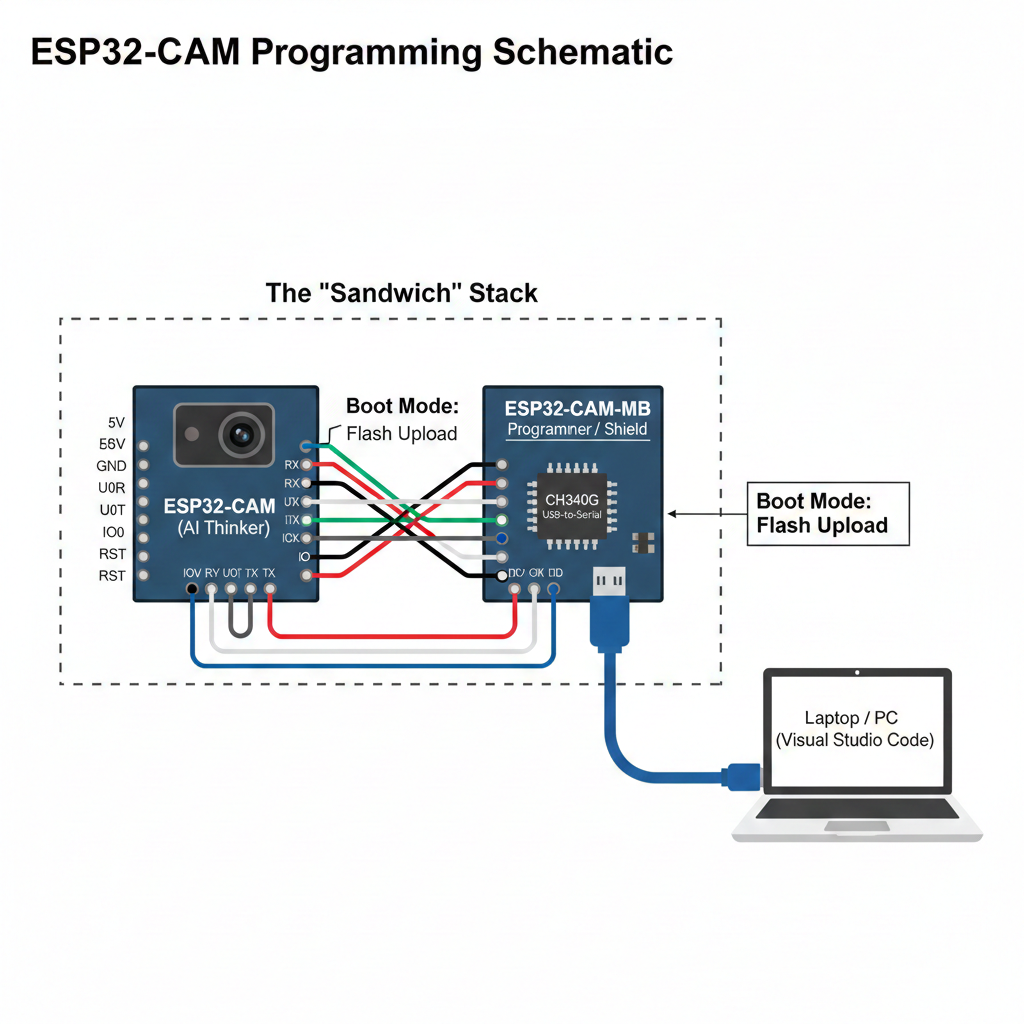
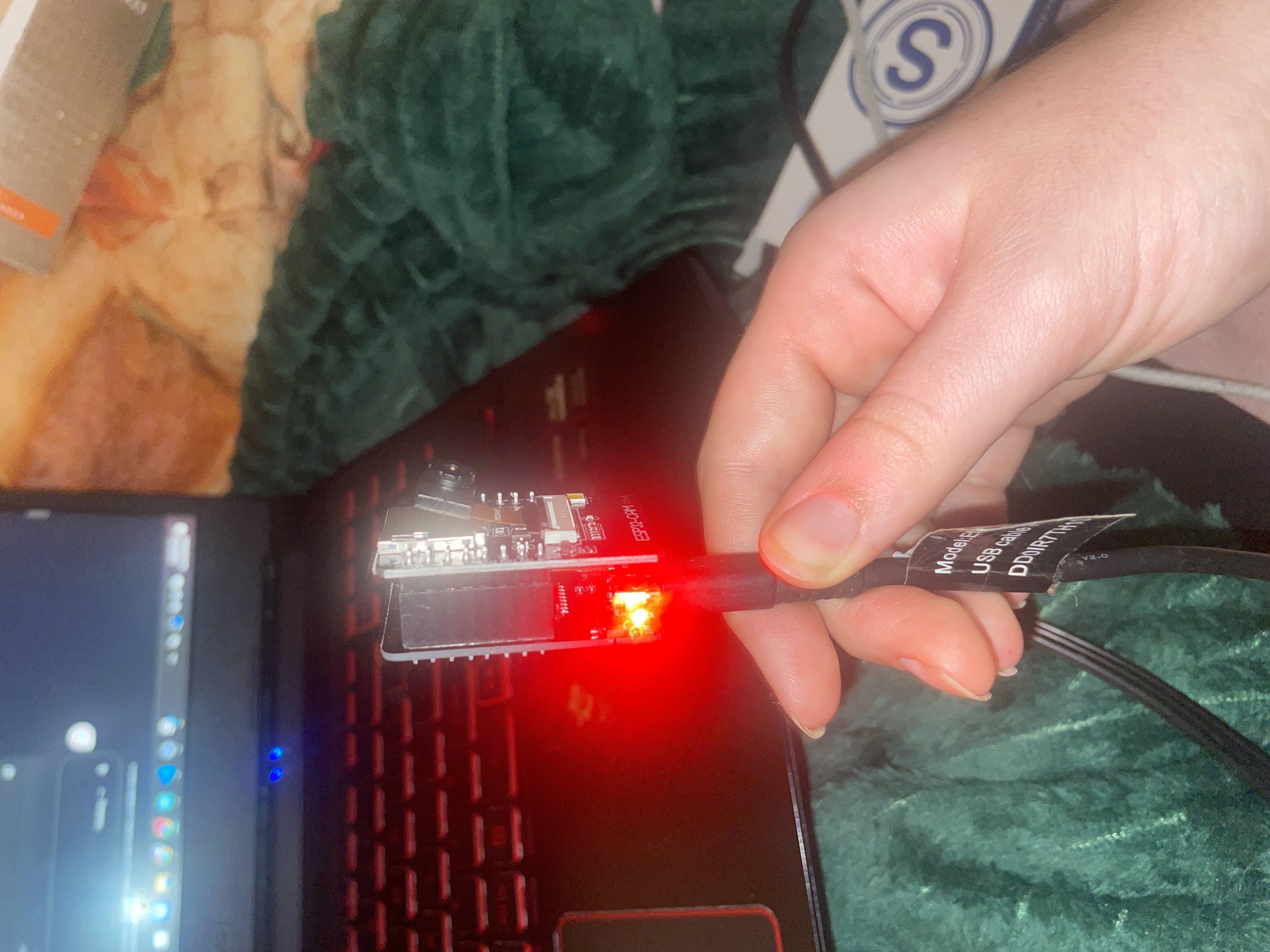
Engineering Challenges: Image Fidelity
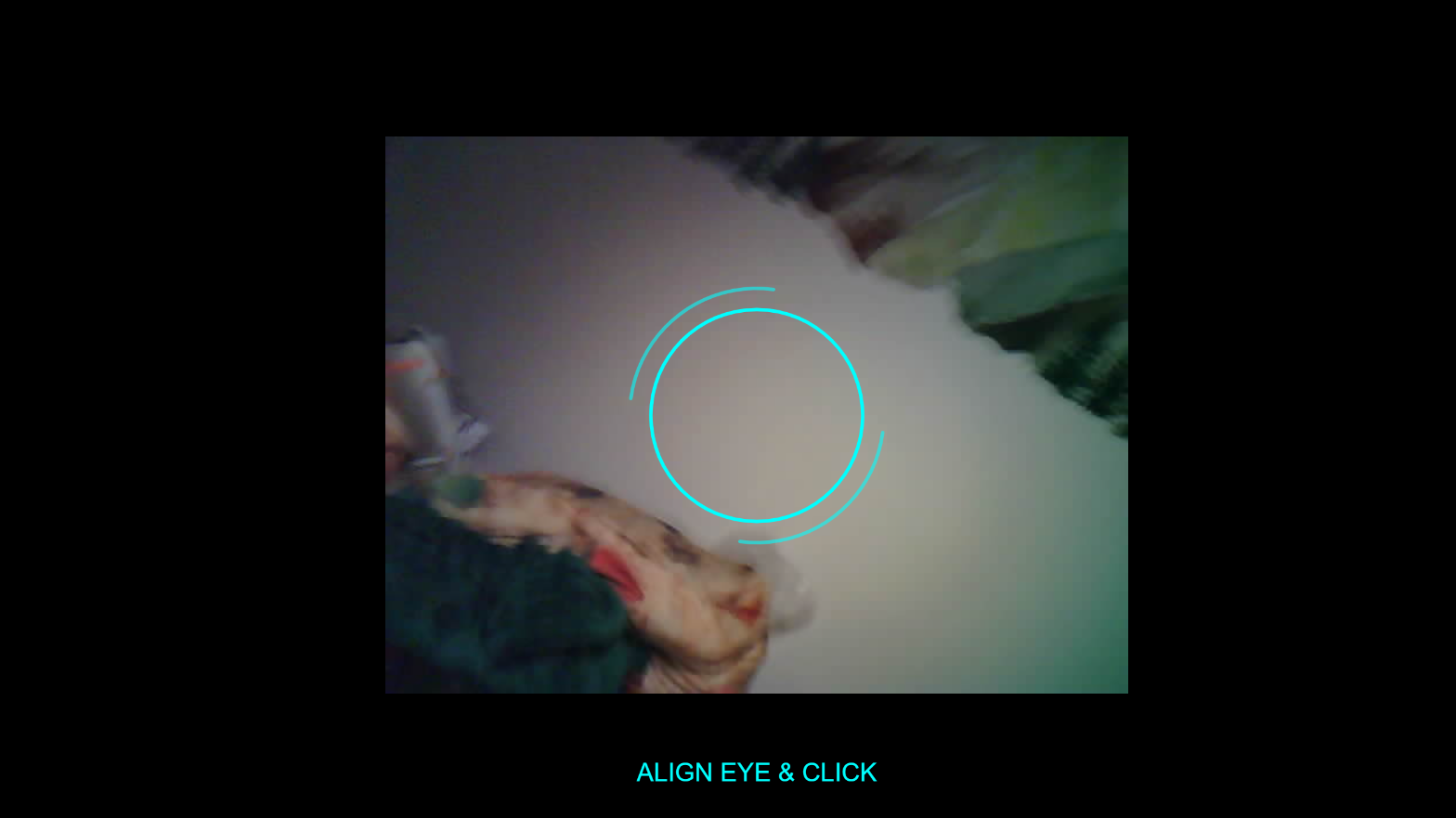
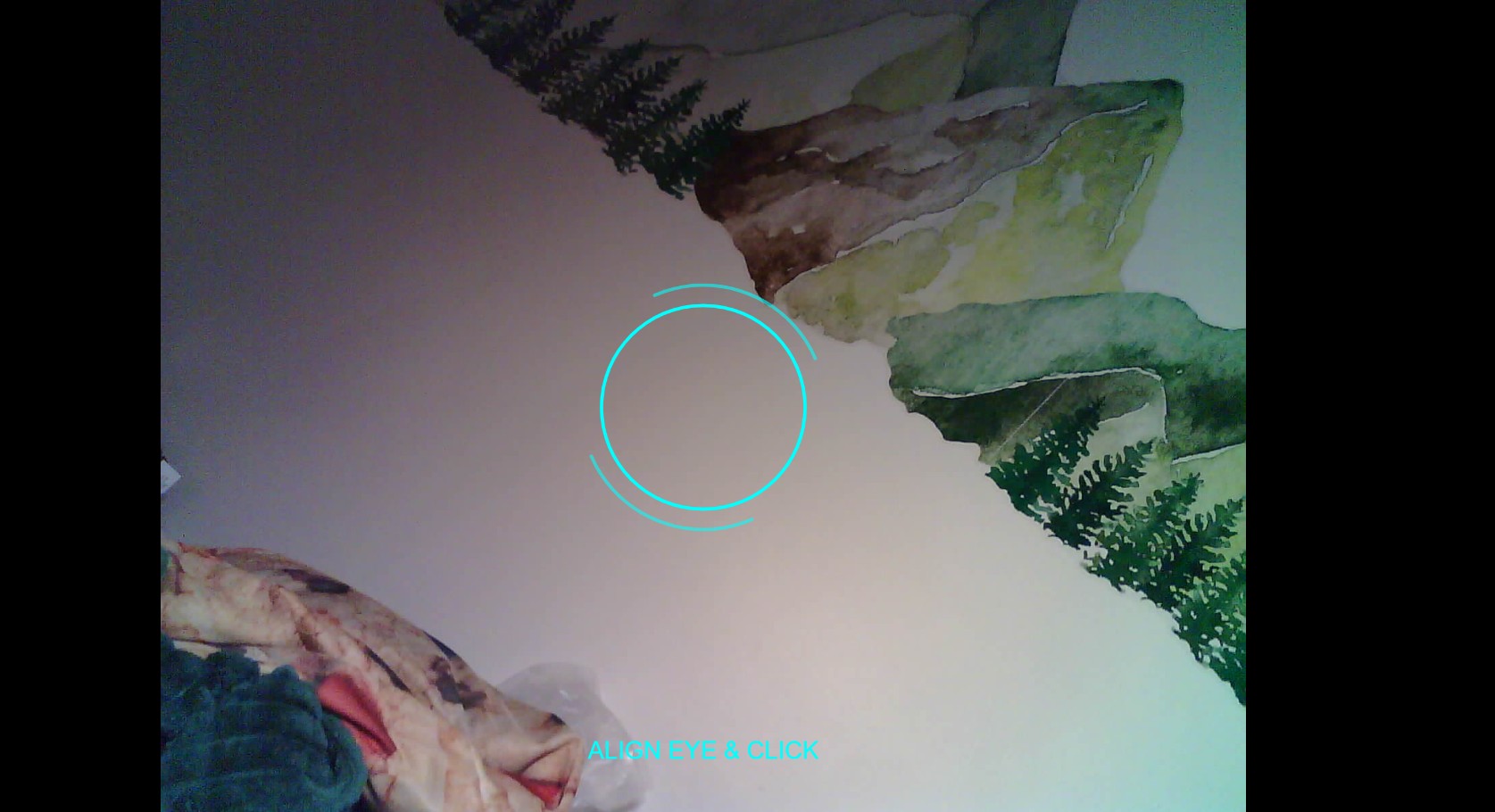
A major hurdle was optimizing the video stream quality from the microcontroller. The default settings prioritized speed over clarity, resulting in unusable pixelation for color analysis.
I conducted extensive A/B testing between QVGA (Low Quality) and UXGA (High Quality) resolutions. While UXGA dropped the framerate to ~10fps, the higher resolution was necessary for accurate biometric sampling.
Biometric Color Extraction
Below is the logic used to sample the video feed. It creates a graphics buffer, snapshots the stream, and samples specific vector points to build the color palette.
function captureColors() {
  palette = [];
  try {
    // 1. Grab the raw stream element
    let img = select('#stream-feed').elt;

    // 2. Create a buffer to process pixel data
    let gfx = createGraphics(img.clientWidth, img.clientHeight);
    gfx.drawingContext.drawImage(img, 0, 0, img.clientWidth, img.clientHeight);

    // 3. Define sampling points (Center + Offsets)
    let cx = gfx.width / 2;
    let cy = gfx.height / 2;

    // 4. Extract RGBA data
    let c = gfx.get(cx, cy);
    if (alpha(c) > 0) palette.push(color(c));

  } catch (e) {
    console.error("Stream capture failed", e);
  }
}
System Validation
The final prototype was stress-tested with various color inputs to ensure the generative algorithm adapted correctly.